Teaching with git and GitHub

useR 2025

Elijah Meyer & Maria Tackett

Teaching with git and GitHub

Outline

What is git and GitHub?

Why do we care about it?

Why should we use it?

  • student perspective

  • instructor perspective

git and GitHub: Teaching termonilogy

Often used interchangeably, but it’s nice to know the difference…

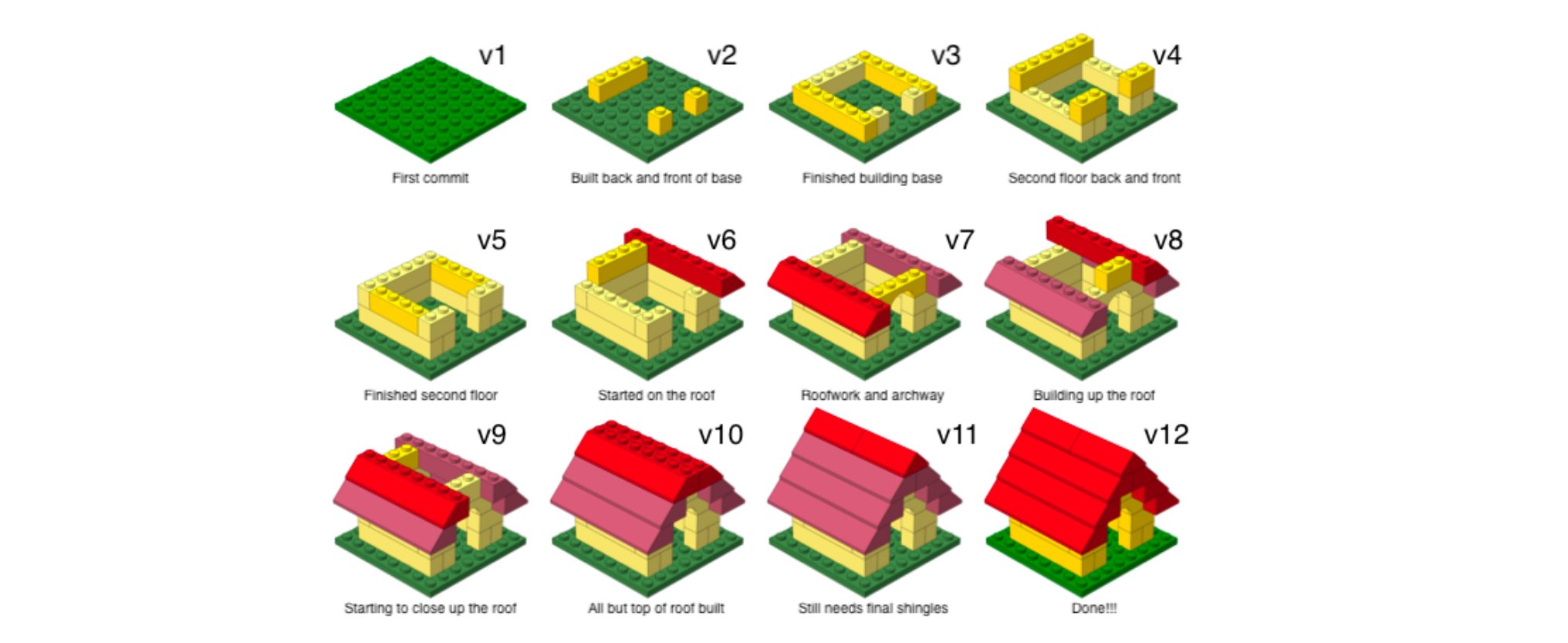
Git is a version control system that intelligently tracks changes in files.

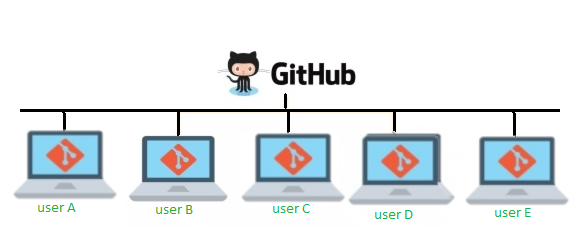
GitHub is a cloud-based platform where you can store, share, and work together with others to write code.

Think of this as email (git) vs Gmail (GitHub)

GitHub: Version control

GitHub allows you to create, store, change, merge, and collaborate on files or code. Any member of a team can access the GitHub repository and see the most recent version in real-time. Then, they can make edits or changes that the other collaborators also see.


GitHub also lets users make requests of one another and internally discuss the iterations along the way.

GitHub: Version control

Why does this matter?

Source: Baker (2016)

So we should teach it!

What do students immediately get out of it?

Besides saving the world….

  • develop good habits as researchers

  • emphasize the importance of reproducibility in science

  • get experience using professional computing tools

Avoid this

Gain this

What do you get?

Efficient way to run a course

  • lecutres

  • in-class activities

  • assessments

What do you get?

Efficient way to run a course

  • lecutres

  • in-class activities

  • assessments

That is timeless across semesters

Timeless

Encourages time investment into the creation of assessments and lesson plans

  • Easily transferable across semesters

  • Hosting assessments on GitHub provides the ability to efficiently manage, update, and re-use materials for subsequent semesters

What do you get?

Efficient way to run a course

  • lecutres

  • in-class activities

  • assessments

especially useful in large class sizes

Personalized student repos

Within personalized student repos, we can facilitate an interactive lesson for each student + have them practice using version control

Steps for interactive lessons

  • Connect GitHub and R/RStudio

  • Take advantage of GitHub as an instructor to create an assignment in GitHub we can distribute to our class

Connect GitHub and R/RStudio

… often done on the first lab / second day of class

Help create the ability for students to practice with version control

Demo together: Please use your assigned Docker URL to access R/RStudio

We are going to connect GitHub and R/RStudio together using lab instructions below!

Instructor perspective

Instructor logistics

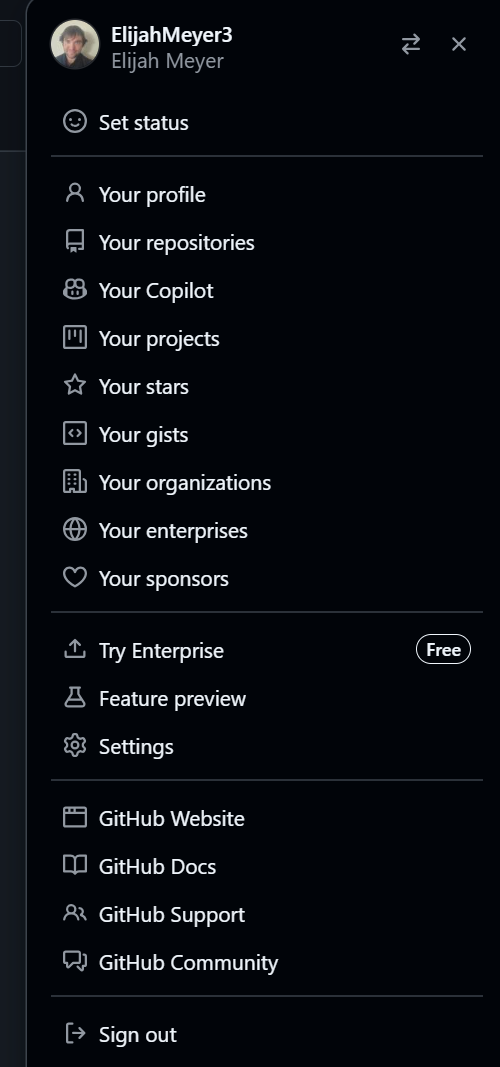
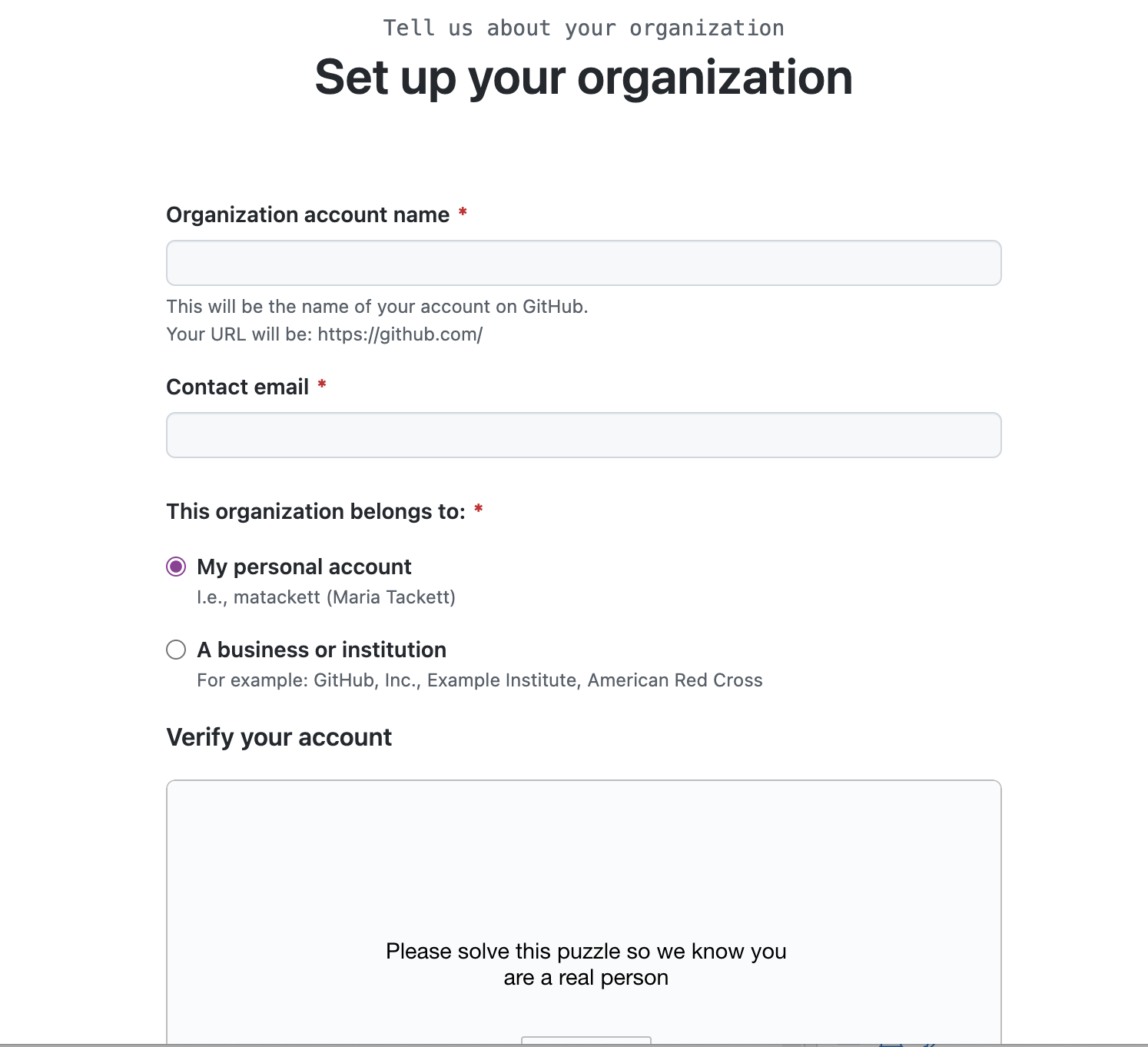
GitHub organization

A GitHub organization is a shared account on GitHub that allows multiple users to collaborate on shared projects, making it easier for teams to work together

  • owners can control who has access to repositories and other resources within the organization
  • keeps student repos private by default
  • allow for the creation of teams
  • allows us to work with GitHub classroom features (ex. distributing assignments)

GitHub organization

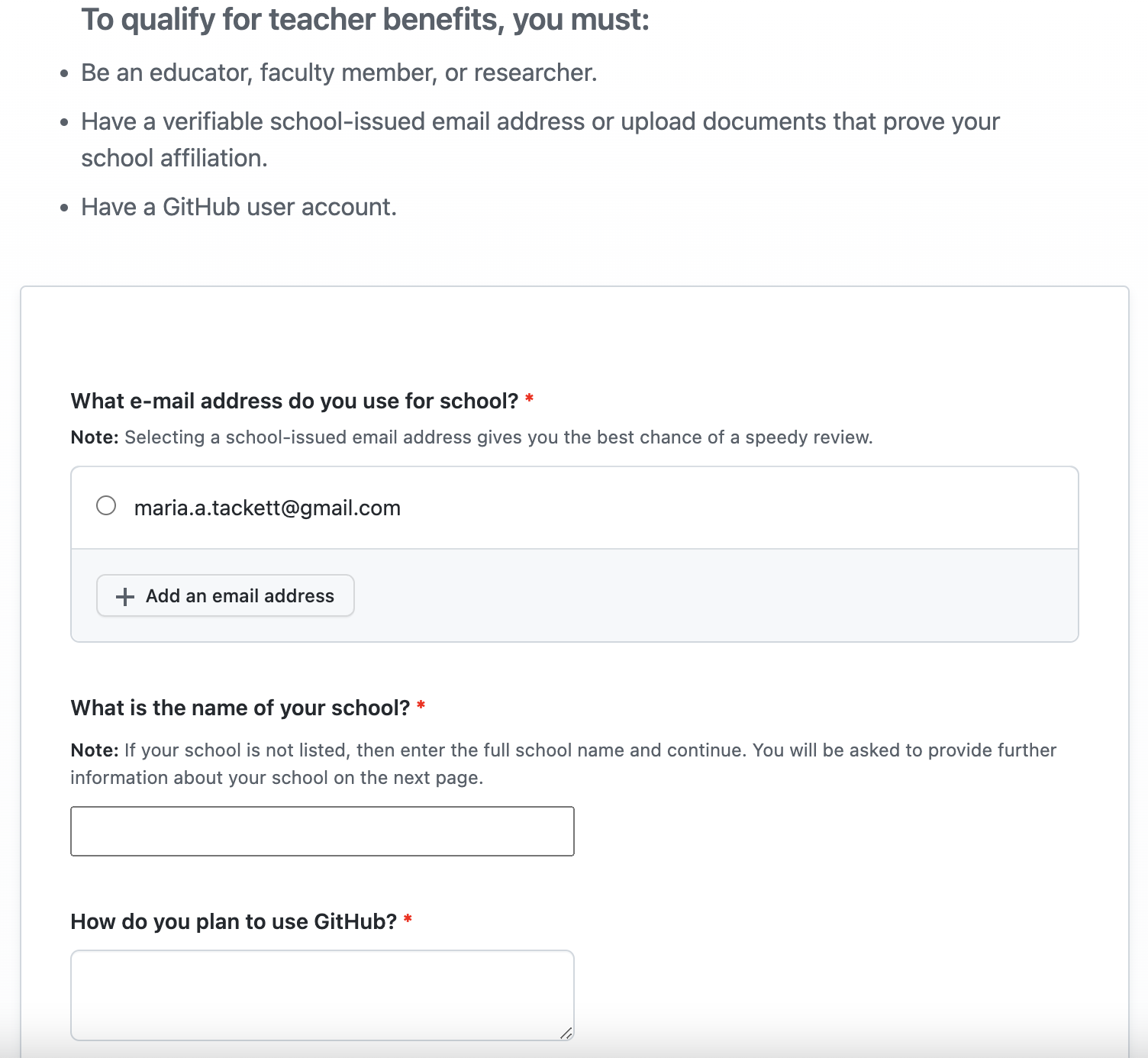
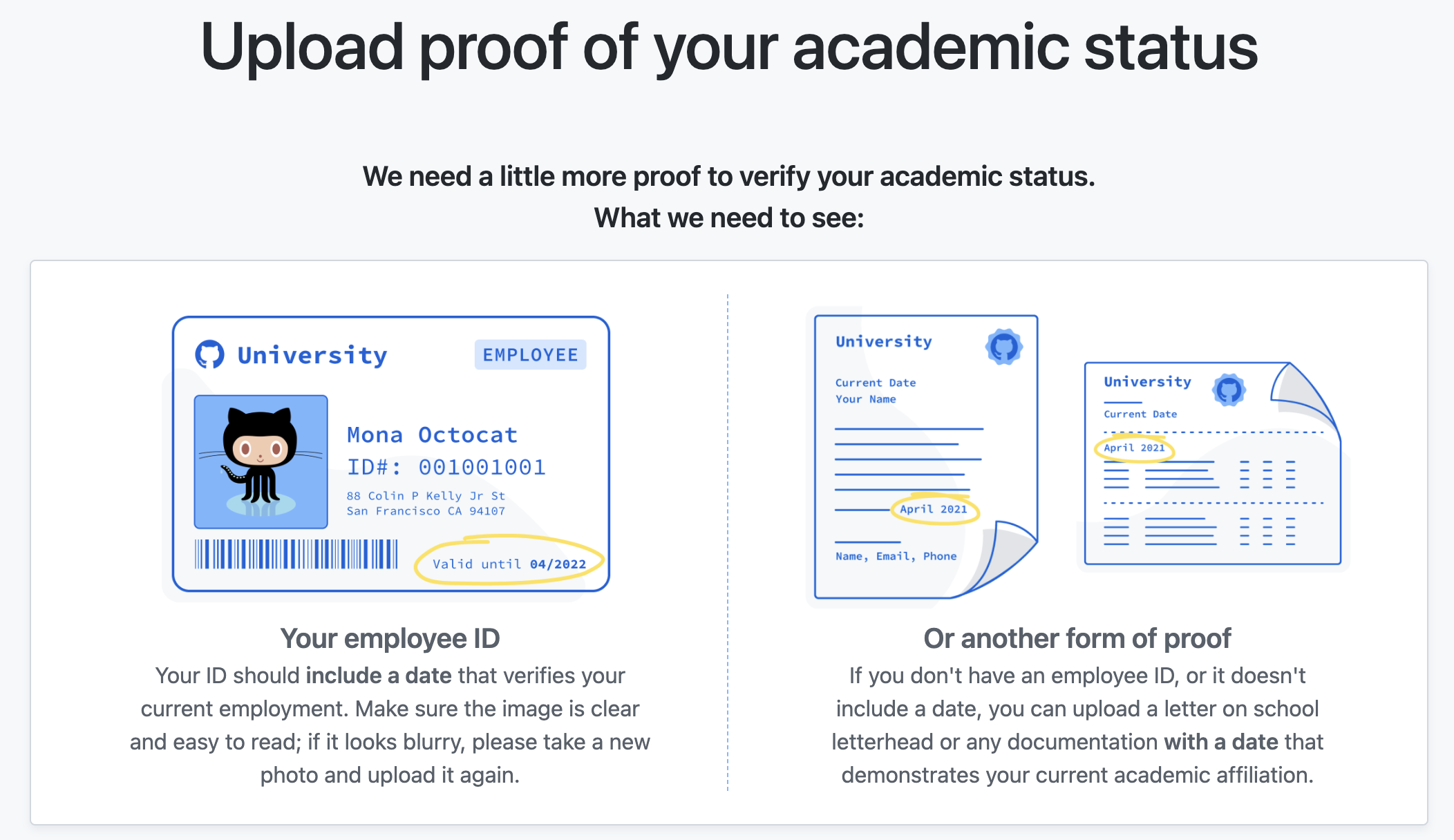
Teacher benefits

Slide adapted from Designing the data science classroom by Dr. Çetinkaya-Rundel & Dr. Tackett (2022)

GitHub classroom

… is a tool provided by GitHub Education to help instructors manage assignments and coursework

Slide adapted from Designing the data science classroom by Dr. Çetinkaya-Rundel & Dr. Tackett (2022)

Inside your GitHub Organization

📍 useR-org-demo

my-class repository

📂 - slides

📂 - homework

📂 - in-class-activities

… and you can make other repos within the organization to distribute!

Inside your GitHub organization

Let’s demo

  • Creating a GitHub repo inside the org

  • Basic GitHub workflow within a repo

  • Create an assignment

  • Distribute it to your class

How to distribute a assignment

GitHub Classroom

Accept the assignment yourself!

Click assignment

Or go to our website menu and click Demo GitHub assignment under Demos

  • Accept the assignment

  • Clone the repo

  • Make changes

  • Push the changes back to GitHub

Cloning instructions

On the repo page

  • Click Code

  • Click SSH

  • Copy the link to your clipboard

In RStudio

  • Click File

  • Click New Project

  • Click Git

  • Paste link and create project!

Q&A  Discussion

What are you left wondering after this GitHub demonstration?